
April 10, 2024 · Michael Lynn
MongoDB ERD CLI
A powerful command-line tool for generating Entity-Relationship Diagrams from MongoDB databases, with support for multiple output formats and relationship detection
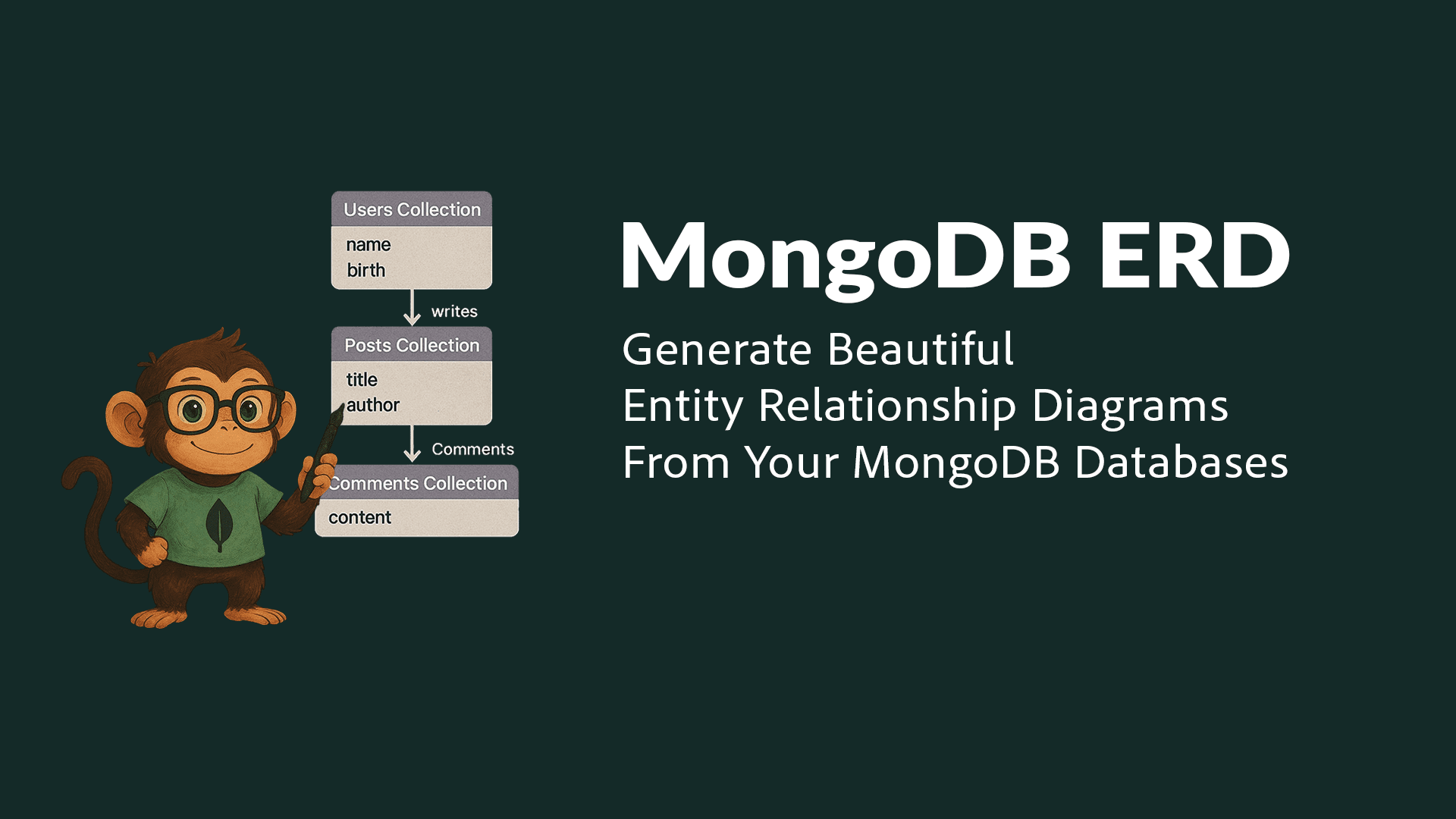
MongoDB ERD CLI
Generating Entity-Relationship Diagrams (ERD) for MongoDB databases has traditionally been a manual and time-consuming process. The MongoDB ERD CLI tool solves this challenge by automatically analyzing your database structure and generating visual diagrams directly from the command line.
Project Overview
MongoDB ERD CLI is a command-line interface tool that extends the functionality of my web-based ERD generator into a standalone utility. It's designed for developers who need to generate database documentation as part of their CI/CD pipelines, local development workflows, or automation scripts.
title="MongoDB code-highlight chart={`
flowchart TD
CLI([CLI Input]) --> Config[Configuration Parser]
Config --> DBConnect[MongoDB Connection]
DBConnect --> Introspect[Schema Introspector]
Introspect --> RelDetect[Relationship Detector]
RelDetect --> Generator[Diagram Generator]
Generator --> Output[File Output]
subgraph Analysis
Introspect
RelDetect
end
subgraph Generation
Generator
Output
end
classDef primary fill:#00ED64,stroke:#00C853,color:black;
classDef secondary fill:#2196F3,stroke:#1976D2,color:white;
classDef tertiary fill:#FFC107,stroke:#FFA000,color:black;
class CLI,Config primary;
class DBConnect,Introspect,RelDetect secondary;
class Generator,Output tertiary;
`}
caption="High-level architecture of the MongoDB ERD CLI tool"
/>
## ✨ Key Features
- 🔍 **Database Analysis**: Connect to MongoDB databases and analyze collection structures
- 🔗 **Relationship Detection**: Automatically identify relationships between collections
- 📊 **ERD Generation**: Generate Mermaid ERD diagrams with proper relationships
- 🎨 **Multiple Formats**: Support for SVG, PNG, PDF, ASCII, and Mermaid syntax
- 🎯 **Customization**: Flexible theme and styling options
- 🔄 **Collection Filtering**: Include or exclude specific collections
- 🚀 **Easy Installation**: Available as an NPM package
- 🔒 **Secure**: Handles connection strings and credentials safely
## 💻 Usage Guide
### Installation
```bash
npm install -g mongodb-erd-cli
Basic Usage
bash code-highlightmongodb-erd --uri "mongodb://localhost:27017" --database "my_database" --output "diagram.svg"
Advanced Options
bash code-highlightmongodb-erd \\
  --uri "mongodb+srv://..." \\
  --database "blog" \\
  --output "blog-erd.png" \\
  --format png \\
  --theme dark \\
  --include "posts,users,comments"
Configuration Options
| Option | Description | Required | Default |
|---|---|---|---|
--uri | MongoDB connection URI | Yes | - |
--database | Database name | Yes | - |
--output | Output file path | Yes | - |
--format | Output format (svg, png, pdf) | No | "svg" |
--theme | Diagram theme (default, dark) | No | "default" |
--include | Comma-separated list of collections to include | No | - |
--exclude | Comma-separated list of collections to exclude | No | - |
Technical Implementation
The project is built with modern Node.js technologies and follows best practices for CLI tool development.
Tech Stack
Node.js
MongoDB Driver
Commander.js
Mermaid.js
html-to-image
Core Components
The system consists of several key modules working together:
Core Components
classDiagram
  class CLI {
      +parseArgs()
      +validateConfig()
      +execute()
  }
  class DBIntrospector {
      +connect()
      +analyzeCollections()
      +detectRelationships()
  }
  class DiagramGenerator {
      +generateMermaid()
      +convertFormat()
      +saveOutput()
  }
  class ConfigManager {
      +loadEnv()
      +validateUri()
      +mergeOptions()
  }

  CLI --> ConfigManager
  CLI --> DBIntrospector
  CLI --> DiagramGenerator
  DBIntrospector --> DiagramGenerator
Database Analysis
The tool uses sophisticated algorithms to analyze database structure:
flowchart LR
  subgraph "Collection Analysis"
  A[Sample Documents] --> B[Extract Schema]
  B --> C[Detect Types]
  C --> D[Find References]
  end

  subgraph "Relationship Detection"
  D --> E{Is ObjectId?}
  E -->|Yes| F[Check Target]
  E -->|No| G{Name Pattern?}
  G -->|Yes| F
  G -->|No| H{Array Ref?}
  H --> F
  F --> I[Create Relation]
  end

  style A fill:#bbdefb
  style B fill:#bbdefb
  style C fill:#bbdefb
  style D fill:#c8e6c9
  style E fill:#fff9c4
  style F fill:#fff9c4
  style G fill:#fff9c4
  style H fill:#fff9c4
  style I fill:#ffccbc
Development Process
The development followed a structured approach:
gantt
  title Development Timeline
  dateFormat  YYYY-MM-DD
  section Core
  CLI Framework     :a1, 2024-03-01, 7d
  DB Introspection  :a2, after a1, 7d
  section Features
  ERD Generation    :a3, after a2, 7d
  Output Formats    :a4, after a3, 5d
  section Polish
  Documentation     :a5, after a4, 5d
  Testing          :a6, after a4, 5d
  section Release
  NPM Package      :a7, after a5, 3d
Challenges and Solutions
Challenge 1: Relationship Detection
Detecting relationships in MongoDB's flexible schema presented unique challenges.
Solution: Implemented multiple detection strategies:
- ObjectId reference detection
- Field name pattern matching
- Array reference analysis
- Nested document structure analysis
Challenge 2: Output Format Handling
Converting Mermaid diagrams to various formats required careful handling.
Solution: Created a modular output system that:
- Generates clean Mermaid syntax
- Uses puppeteer for PNG/PDF conversion
- Implements proper error handling
- Supports custom themes
Challenge 3: CLI User Experience
Creating an intuitive CLI experience while handling complex options.
Solution:
- Implemented Commander.js for argument parsing
- Added environment variable support
- Created clear error messages
- Provided sensible defaults
Future Enhancements
Several exciting features are planned:
- Interactive Mode: CLI wizard for configuration
- Custom Templates: User-defined diagram templates
- Batch Processing: Multiple database support
- Schema Versioning: Track schema changes over time
- Cloud Integration: Direct integration with MongoDB Atlas
- Plugin System: Extensible architecture for custom features
Conclusion
The MongoDB ERD CLI tool demonstrates how automation can simplify database documentation. By combining MongoDB's powerful driver with modern CLI design patterns, it provides a seamless experience for generating database diagrams.
Try it yourself:
bash code-highlightnpm install -g mongodb-erd-cli
Or use the web version for a graphical interface.
🛠️ Development
Want to contribute? Here's how to get started:
- Clone the repository:
bash code-highlightgit clone https://github.com/mlynn/mongodb-erd-cli.git
cd mongodb-erd-cli
- Install dependencies:
bash code-highlightnpm install
- Run tests:
bash code-highlightnpm test
- Run linting:
bash code-highlightnpm run lint
🤝 Contributing
- Fork the repository
- Create your feature branch (
git checkout -b feature/amazing-feature) - Commit your changes (
git commit -m 'Add some amazing feature') - Push to the branch (
git push origin feature/amazing-feature) - Open a Pull Request
📄 License
This project is licensed under the MIT License - see the LICENSE file for details.